Notifications
KDT Sharing lets you know when a post fails, a post is waiting for approval, a channel needs reconnecting or your plan is about to expire. Every notification always shows in the in-app bell. You choose which ones you also get by email.
Before you start
- Notification settings are personal and apply to every workspace you belong to.
- Emails go to your sign-in email. Change it in Account and security.
View notifications
- Click the bell icon in the top-right corner. The number on the bell is your unread count.
- Click a notification to open the related page, such as the failed post or the support request.
- Click Mark all as read to clear the unread count.
Read notifications are deleted automatically after 90 days. Notifications keep the language they were sent in, even if you switch the interface language later.
Choose email notifications
-
Click your avatar in the top-right corner and choose Notification settings.
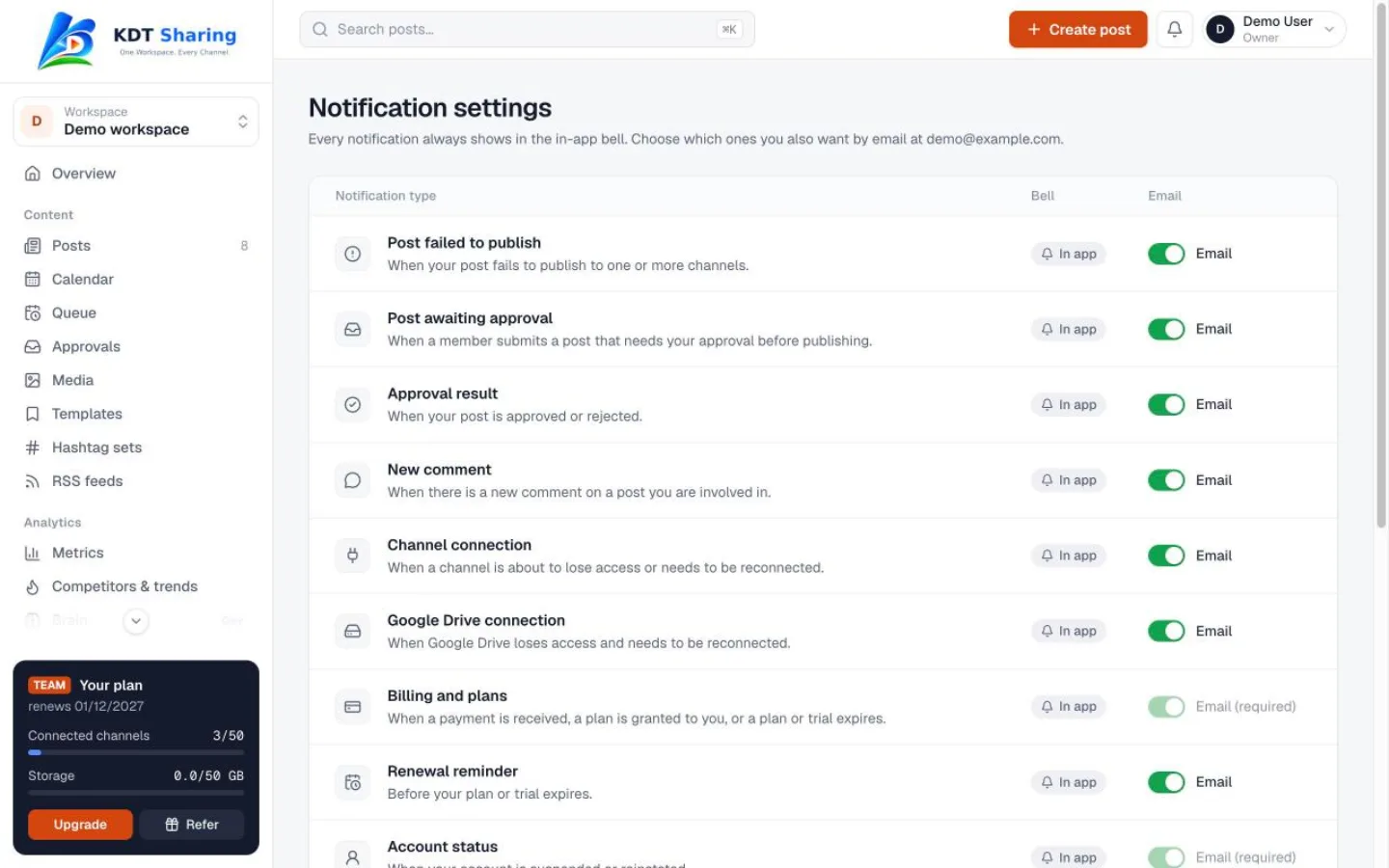
Choose which notifications you get by email -
In the Email column, turn each Notification type on or off. The Bell column is always In app.
-
Click Save settings.
Notification types:
| Notification type | When |
|---|---|
| Post failed to publish | When your post fails to publish to one or more channels. |
| Post awaiting approval | When a member submits a post that needs your approval before publishing. |
| Approval result | When your post is approved or rejected. |
| New comment | When there is a new comment on a post you are involved in. |
| Channel connection | When a channel is about to lose access or needs to be reconnected. |
| Google Drive connection | When Google Drive loses access and needs to be reconnected. |
| Billing and plans | When a payment is received, a plan is granted to you, or a plan or trial expires. |
| Renewal reminder | Before your plan or trial expires. |
| Account status | When your account is suspended or reinstated. |
| Privacy | When your data export is ready or an account deletion is requested. |
| Support requests | When the support team replies to your request. |
| RSS feed errors | When an RSS feed you added fails to load several times in a row. |
| Tips and offers | Product tips and offers when you come back to a plan. |
Billing and plans, Account status and Privacy show Email (required): these are always sent by email. Security emails such as email verification, password reset, sign-in email changes and account deletion are also always sent and can't be turned off.